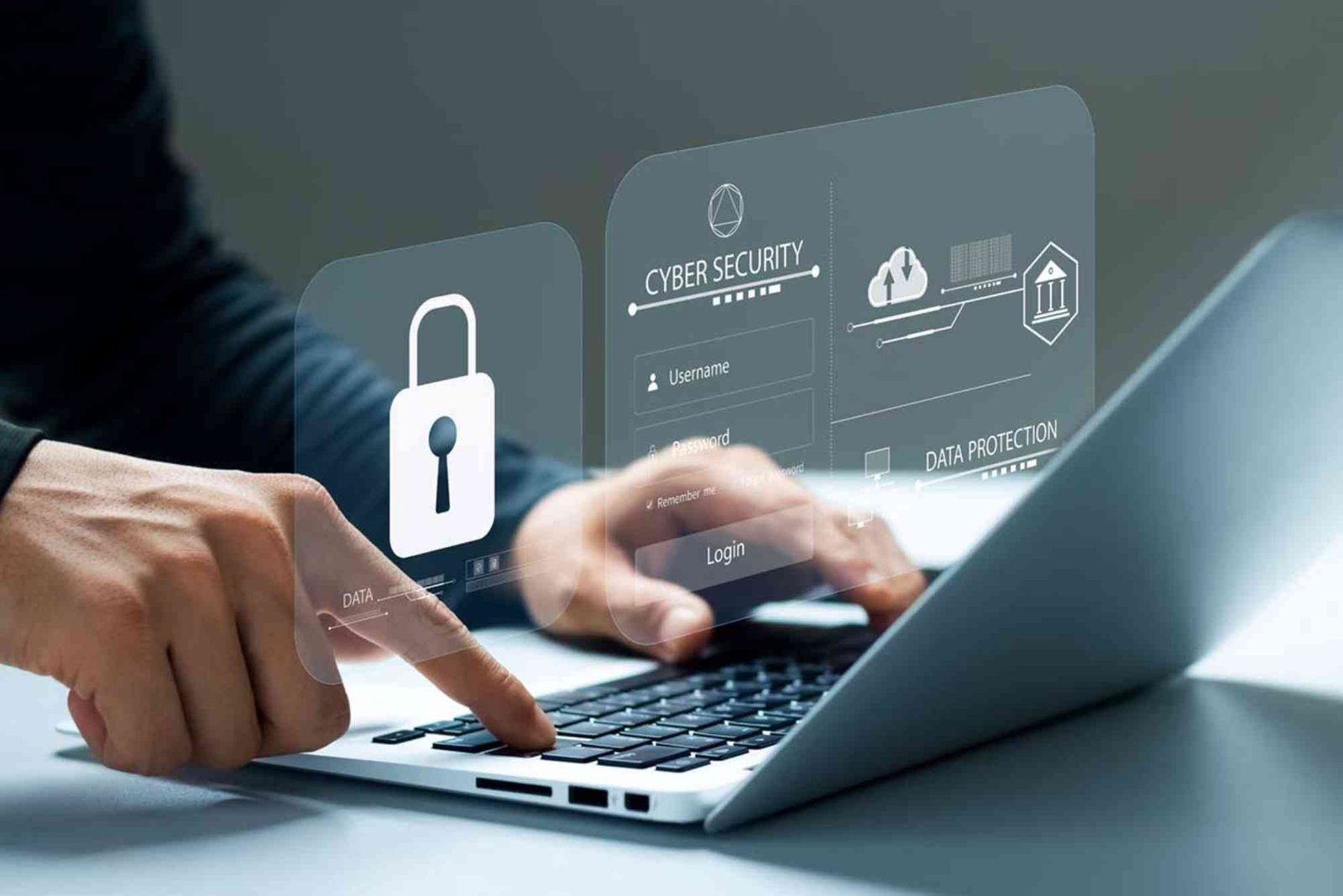
In today’s digital world, small businesses encounter cyber threats just as large enterprises do. Whether it’s sensitive customer information, financial data, or internal communications, the risk of an attack is real and ongoing. That’s why understanding the best cybersecurity tools for small businesses isn’t a luxury — it’s a necessity. With cyberattacks becoming more sophisticated, protecting your business infrastructure with the right tools is essential to maintain trust and ensure long‑term success.
Effective cybersecurity isn’t about having a single solution; it’s about layering protections across your digital environment. This comprehensive guide explores key tools, real‑world applications, and how they empower small businesses to defend against threats like ransomware, phishing, and malware. You’ll also learn practical guidance for implementation, budgeting, and prioritizing security needs.
Understanding Cybersecurity Needs for Small Businesses
Small businesses often believe they’re too insignificant to attract hackers. Unfortunately, this belief is far from reality. Threat actors commonly target smaller companies because they frequently lack robust security systems. Unpatched software, weak passwords, and unsecured networks provide easy entry points for cybercriminals.
The first step in strengthening security lies in understanding where vulnerabilities exist. It starts with recognizing the value of your data, and acknowledging that services like email, cloud storage, and customer platforms need protection. Most small businesses use a variety of digital tools, from accounting software to customer relationship management platforms. Each of these systems needs a security layer to prevent unauthorized access.
Additionally, regulatory requirements — such as GDPR or local privacy laws — obligate businesses to protect user data. In many jurisdictions, failing to implement strong safeguards can lead to fines or legal action. Therefore, adopting the right cybersecurity tools isn’t just about protection; it’s also about compliance and customer trust.
Core Categories of Cybersecurity Tools
When evaluating cybersecurity solutions, it helps to break them down into core categories. These categories provide a structured way to assess risk and address it effectively across multiple fronts. A comprehensive approach includes protection for network infrastructure, endpoint devices, user authentication, data backups, and email filtering.
Network security tools are essential for monitoring and controlling traffic. They prevent unauthorized access, detect anomalies, and block suspicious activity. Endpoint protection, on the other hand, secures individual devices such as laptops, desktops, and mobile devices. Because remote work is increasingly common, endpoint tools play a critical role in safeguarding data outside traditional office networks.
Authentication solutions like multi‑factor authentication (MFA) greatly reduce the risk of compromised accounts. MFA requires users to confirm their identity with more than one verification method, such as a code sent to a phone. That additional step makes it significantly harder for attackers to gain access using stolen passwords.
Lastly, backup tools provide a secure, retrievable copy of your data, offering resilience against ransomware and accidental loss. Email filtering tools help prevent phishing attempts — one of the most common attack methods used against small organizations.
Comprehensive Endpoint Security for Every Device
Your business relies on multiple devices every day — laptops, tablets, smartphones, and desktops all contain valuable information. Endpoint security tools protect these devices from intrusion, malware, and unauthorized access. The sophistication of modern malware — including stealthy ransomware and spyware — demands advanced tools that are more than traditional antivirus programs.
Quality endpoint tools combine multiple layers of protection. They monitor real‑time behavior to identify suspicious actions, enforce firewall rules, and remove detected threats immediately. Many solutions also offer device encryption, ensuring that data remains inaccessible if a device is lost or stolen. With remote work now mainstream, endpoint security must scale beyond on‑site networks to include off‑site and mobile devices.
These tools also often include central management dashboards, allowing you to set policies, deploy updates, and review alerts from one interface. That centralized visibility helps small business owners maintain control without hiring dedicated IT staff.
Firewall and Network Monitoring to Block Intrusions
Firewalls are essential for controlling the flow of data into and out of your network. Imagine a firewall as a security guard at the entrance of your digital environment; it determines who gets in and what they can carry. For small businesses, a modern firewall solution goes beyond basic filtering. Advanced firewalls inspect traffic at multiple levels, identify potentially harmful behavior, and block known malicious sources in real time.
Network monitoring solutions work alongside firewalls to watch for abnormal patterns. For example, if a device begins sending large volumes of data outside of normal hours, a monitoring tool might flag it as suspicious. Early detection prevents breaches from spreading and causing significant damage.
Combined, firewall and network monitoring tools create a strong perimeter defense. They help detect, prevent, and contain threats before they impact your systems or customer data.
Secure Password and Identity Management
Passwords remain the most common access method for digital accounts, yet weak or reused passwords are major vulnerabilities. Small business teams often share resources or use simple login credentials for convenience. Unfortunately, that convenience becomes an open door for cyber attackers.
Password managers generate strong, unique passwords for each account and store them securely. These tools often integrate with browsers and mobile devices for seamless use. In tandem, identity management solutions — especially those offering multi‑factor authentication — verify users before granting access. MFA adds a second layer of security, such as a biometric scan or one‑time code, making it significantly harder for attackers to compromise accounts.
Identity and access management (IAM) is especially crucial for businesses using cloud platforms or remote access solutions. With IAM, you define who has access to which systems and under what conditions, reducing the risk of privilege escalation or unauthorized access.
Cloud Security for Modern Business Operations
Cloud services deliver convenience and scalability, but they also introduce new security challenges. When data lives in third‑party servers, you must ensure those platforms have strong protections. Cloud security tools verify that your configurations are safe, monitor for unusual activity, and encrypt data both at rest and in transit.
Small businesses often rely on cloud‑based email, file storage, and productivity suites. Protecting these assets requires tools that integrate directly with cloud service providers. These solutions continuously scan for vulnerabilities, misconfigurations, and unauthorized sharing that could expose sensitive information to the public internet.
Cloud security isn’t a “set and forget” task. Regular reviews and automatic alerts ensure that changes don’t inadvertently weaken protections. Businesses benefit from leveraging tools that adapt to evolving cloud environments and provide actionable insights when risks emerge.
Backup and Recovery Tools to Combat Data Loss
Even with strong preventive tools in place, no system is entirely impervious to threats. That’s why backup and recovery tools are an essential component of your security arsenal. These tools duplicate critical data and store it securely, often in an encrypted off‑site location. In the event of ransomware, hardware failure, or human error, you can restore your systems without succumbing to attackers’ demands.
The most effective backup solutions offer automated, scheduled backups so that business owners don’t need to remember manual processes. They also provide versioning, allowing you to retrieve older versions of files if recent copies become corrupted or compromised.
Without backups, a successful breach could devastate your operations. Time, reputation, and revenue are all at risk when data is lost. Investing in reliable backup tools ensures business continuity even under adverse conditions.
Email Security to Prevent Phishing and Spam
Phishing attacks remain one of the most prevalent threats facing small businesses. Attackers craft convincing emails that trick employees into clicking malicious links or disclosing credentials. Email security tools examine inbound messages for known threat indicators and block them before they reach the inbox.
These systems use machine learning and threat intelligence to identify emerging phishing tactics. They also educate employees by flagging suspicious messages and providing context before users interact with them. When staff are aware of potential threats, they contribute to a stronger overall security posture.
Along with blocking spam, email security solutions help prevent business email compromise (BEC), a highly targeted scam that impersonates executives or partners to extract funds or sensitive information. By filtering malicious content and verifying sender authenticity, these tools safeguard both communications and finances.
Monitoring and Security Information Platforms
For growing businesses, monitoring tools that aggregate alerts, logs, and events across systems are invaluable. These platforms provide a centralized view of your security status, helping you identify patterns, potential breaches, and compliance issues. Security information and event management (SIEM) tools vary in complexity, but many small business‑oriented systems offer intuitive dashboards and actionable insights.
Monitoring solutions can also send real‑time alerts when anomalies occur, enabling rapid response. Rapid detection and mitigation reduce the impact of incidents and can prevent breaches from escalating. While larger organizations may employ dedicated analysts, modern small business‑friendly tools automate much of the work and provide clear suggestions for remediation.
Choosing the Right Tools on a Limited Budget
Budgetary constraints are common for small businesses, and many owners hesitate to adopt high‑end security tools because of cost. However, cyber threats carry tangible financial consequences — including loss of productivity, legal penalties, and reputational damage. Prioritizing security investments based on risk and impact ensures you get the most value.
Begin by assessing your most critical assets: customer data, financial records, and intellectual property. Select tools that protect these areas first. Then consider solutions that offer scalability and integration. Often, paying for modular systems that grow with your business is more cost‑effective than replacing standalone tools later.
Many vendors also offer subscription‑based pricing, reducing upfront costs and allowing you to stay current with updates. When evaluating solutions, consider long‑term support, ease of use, and total cost of ownership rather than price alone.
Worker Training and Security Culture
Even the best tools aren’t effective if employees don’t know how to use them. Cybersecurity culture starts with informed team members who recognize threats and understand their role in prevention. Provide regular training on identifying phishing scams, creating strong passwords, and reporting suspicious activity.
Security awareness reduces the likelihood of human error leading to a breach. It also fosters responsibility and vigilance. When employees feel invested in protecting company assets, they become an extension of your security strategy, rather than a risk.
Secure Your Business for the Future
In an era where cyber threats are constantly evolving, small businesses can no longer afford to remain unprotected. Investing in the right cybersecurity tools is both a practical and strategic decision. From endpoint security to cloud protection, email filtering to backups, each layer plays a unique role in safeguarding your digital operations. By understanding your risk landscape and choosing tools that align with your needs, you put your business in a strong defensive position.
Take action today by evaluating your current cybersecurity setup and identifying areas that require improvement. Strengthen your defenses, empower your team with knowledge, and build a resilient, trustworthy business that customers feel confident doing business with.
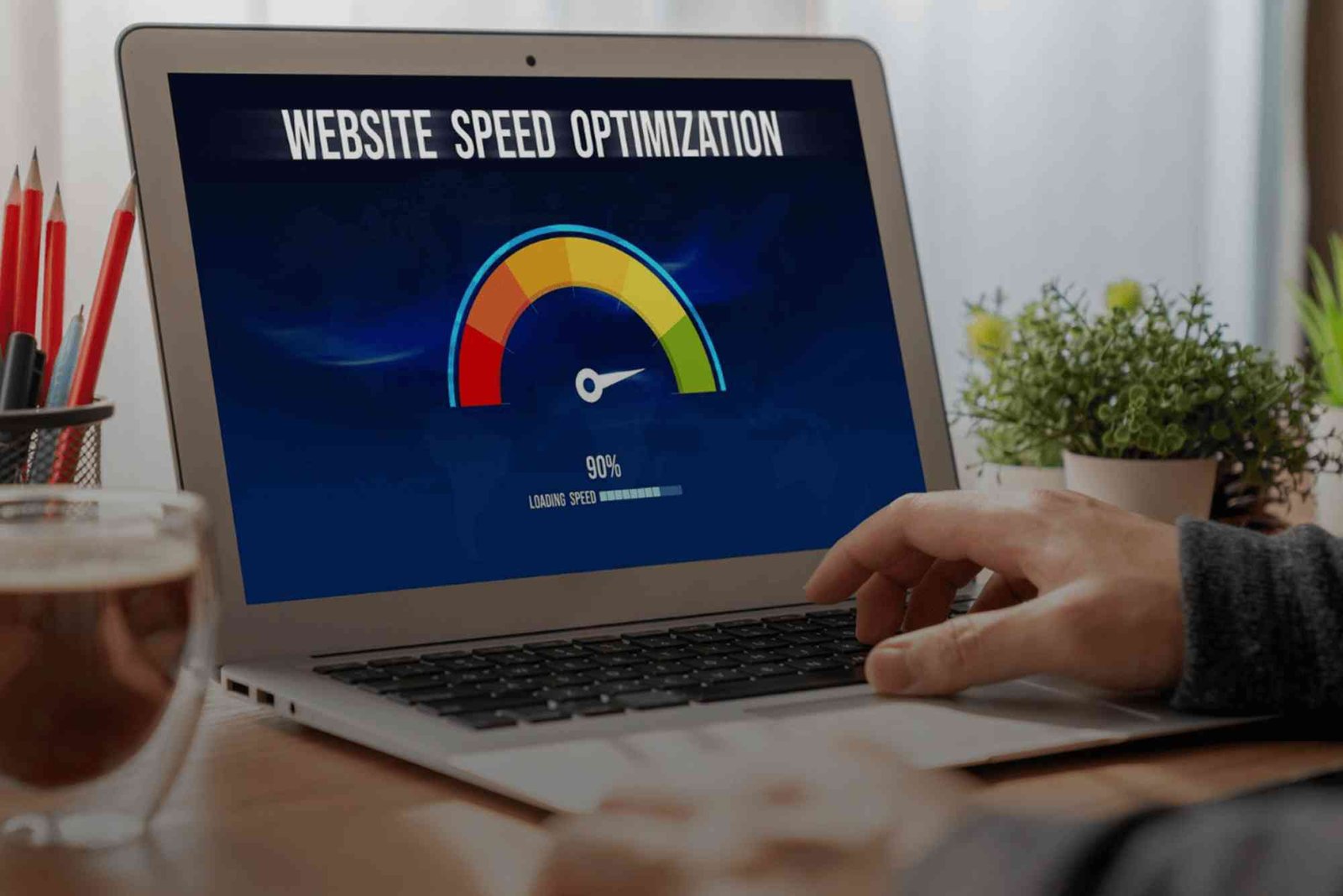
How to Optimize Your Website for Better Speed Improving website speed enhances user experience and boosts SEO. Compress images, leverage browser caching, and minimize code by reducing HTML, CSS, and JavaScript. Use a reliable hosting service and implement a Content Delivery Network (CDN) to deliver content faster globally. Regularly test and monitor performance to maintain optimal speed.
Frequently Asked Questions
What are essential cybersecurity tools for small businesses?
Small businesses need a combination of endpoint protection, firewalls, backup solutions, and email security. These tools work together to reduce risk and prevent common attacks. Regular updates and monitoring also play crucial roles.
How can small businesses protect against phishing attacks?
The most effective way to combat phishing is through specialized email filtering tools and ongoing employee training. These tools detect suspicious messages while training helps staff recognize and avoid threats.
Is multi‑factor authentication necessary for small businesses?
Absolutely. Multi‑factor authentication adds an extra layer of defense beyond passwords. It significantly reduces the chances of unauthorized access, especially for cloud and remote systems.
Can small businesses afford quality cybersecurity tools?
Yes. Many vendors offer scalable pricing and subscription models suited to smaller budgets. Prioritizing critical tools and choosing flexible solutions makes robust security achievable.
How often should cybersecurity tools be updated?
Security tools should be kept up to date at all times. Updates often contain patches for new vulnerabilities and improvements in detection capabilities. Automating updates is the best way to ensure timely protection.
Looking for a one-stop destination for the latest updates, insights, and resources? Visit doneland.com to explore a wide range of content designed to keep you informed and inspired. Start your journey today at doneland.com!